Your crew.
Within reach.
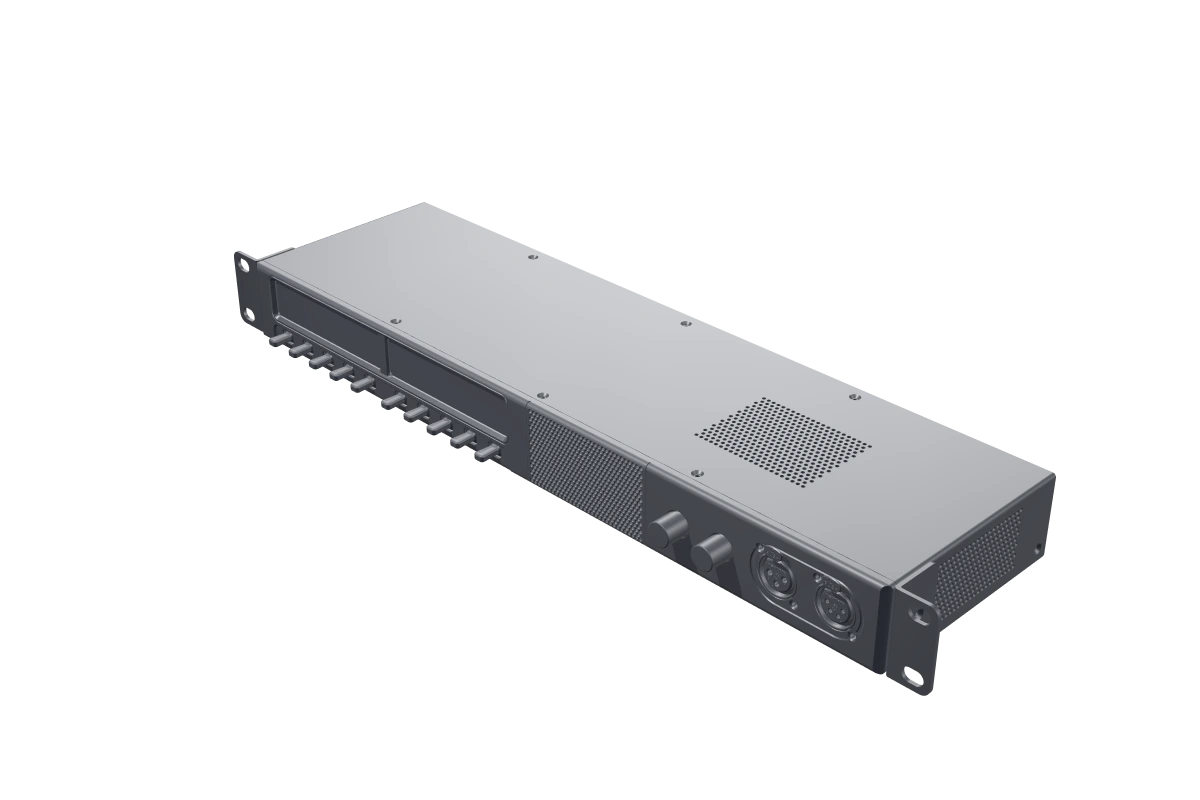
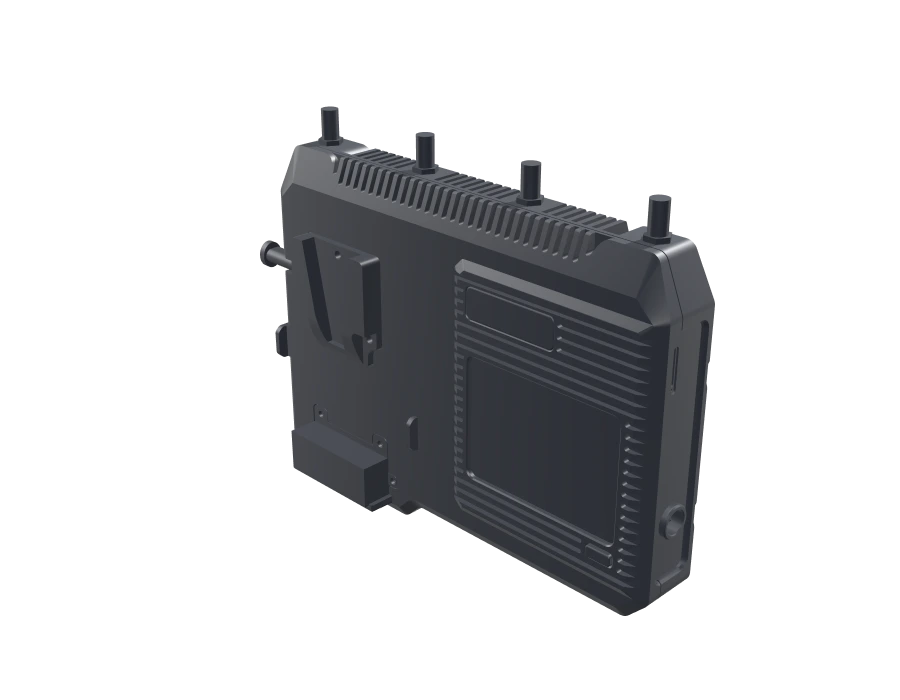
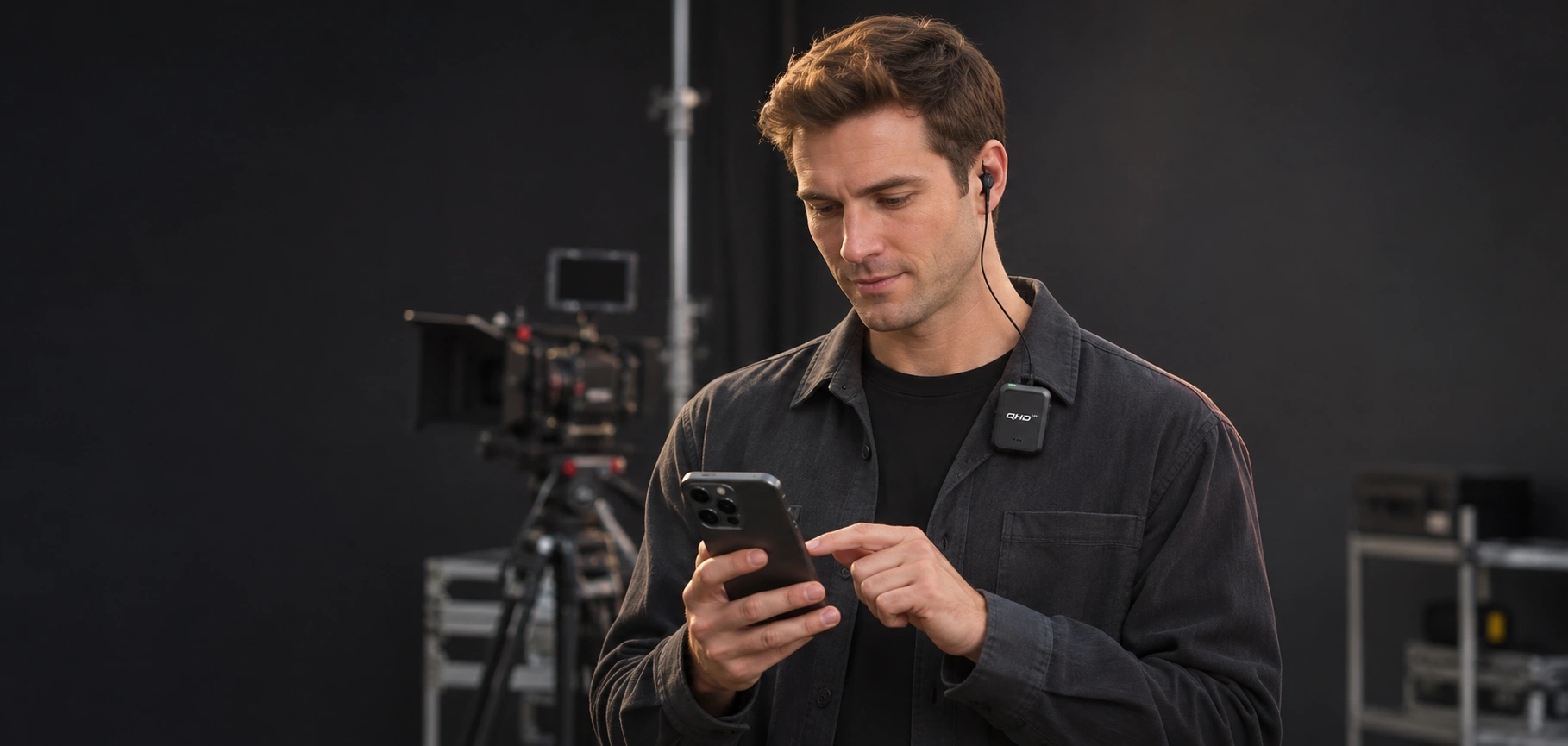
iTALK App connects Android and iOS phones to your crew through iTALK Server or A1.
Every department.
On the same page.
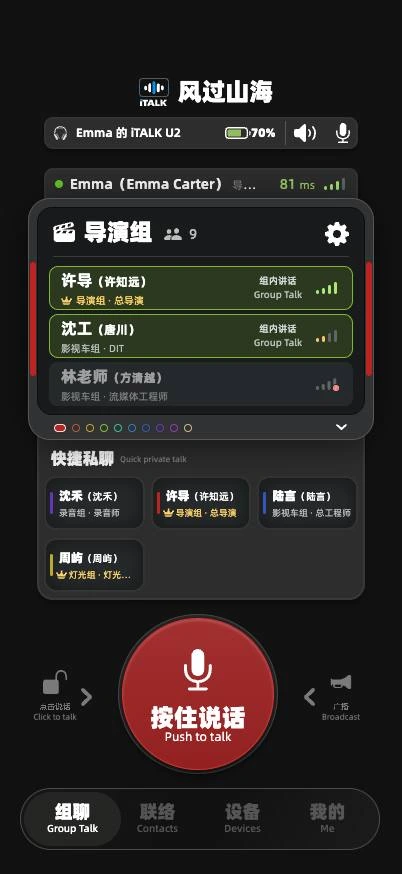
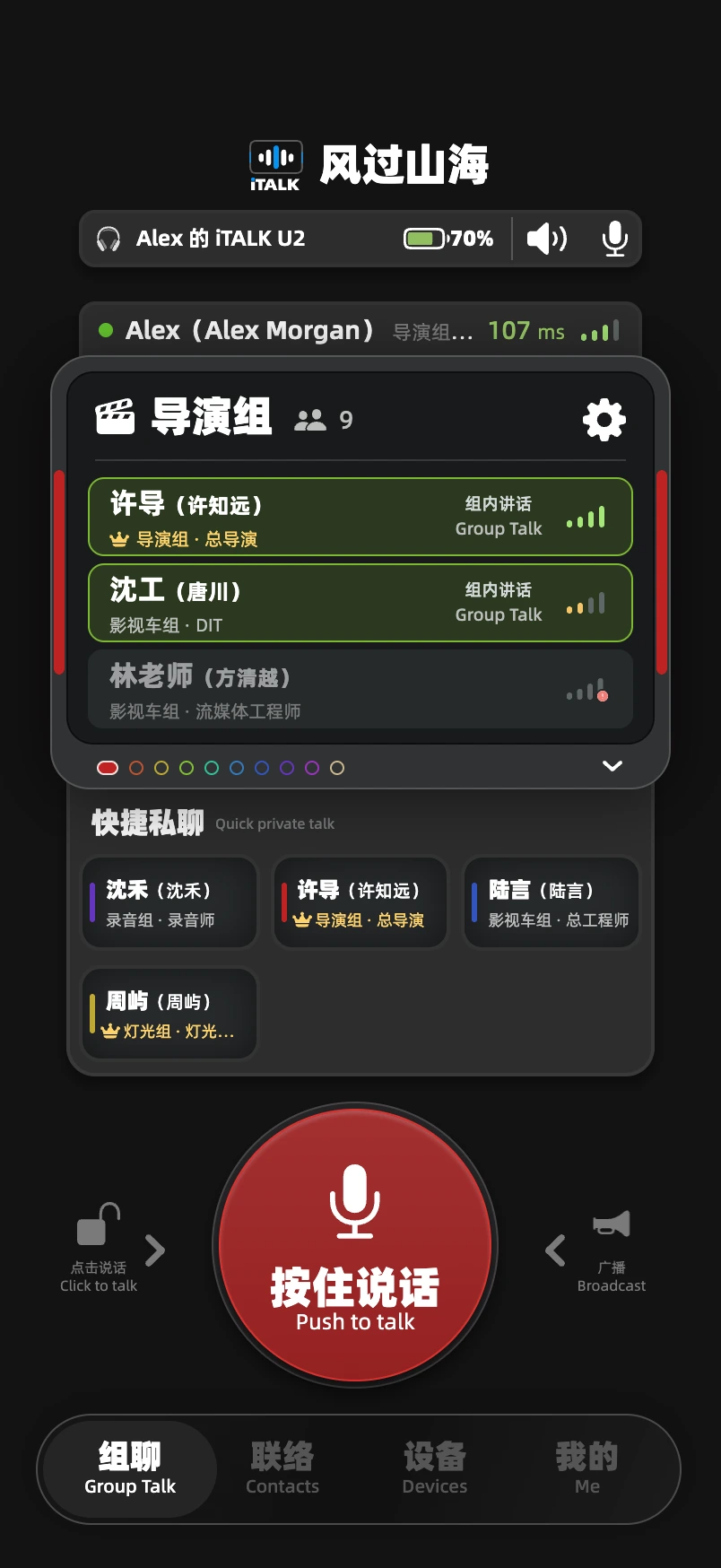
Organize conversations around directing, camera, lighting and sound. Change channels and see the people you are talking to.
Expand the member list, reorder channels and choose additional groups to monitor.
Frequent contacts.
Always close.
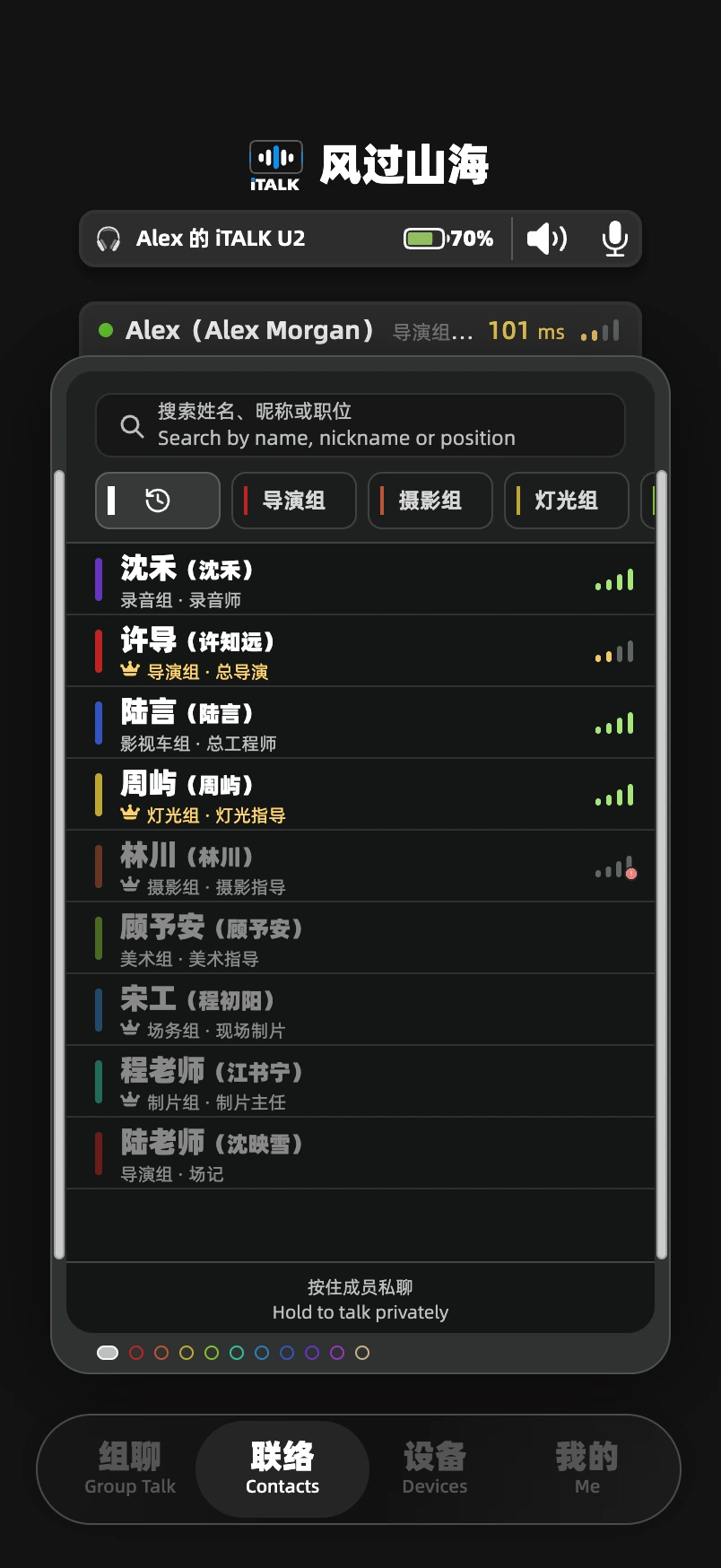
Quick private talk keeps names, departments and roles in view. Hold a contact card to speak directly, while keeping track of your group.
Explore contactsHold to talk
Release to listen
The waveform and voice rails respond as you press. Switch to click-to-talk for a longer conversation, or broadcast to the project.
- Push to talk
- For a quick instruction.
- Click to talk
- Keep talking until you tap again.
- Broadcast
- Address the entire project.
Find them. Talk.
Find someone by name, nickname or role. Filter by department and pin the people you speak with most.
- Enter a name or role
- Find the right crew member
- Hold a contact to talk
Recent conversations connect to your quick contacts. Sending, receiving and talking together each have a distinct visual state.
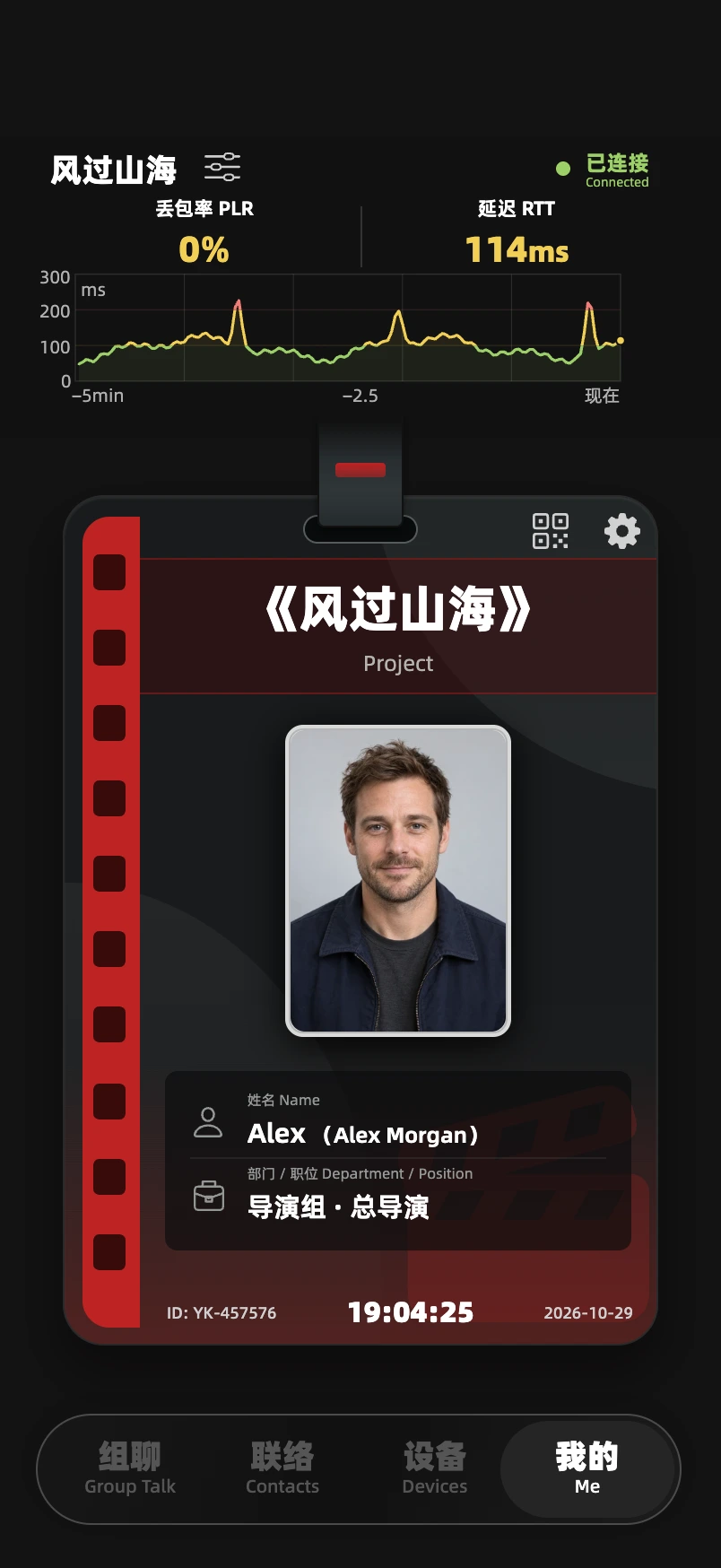
Your crew badge.
Your project.
Project, name, department and role come together in your crew badge. Switch to the project QR code to bring the team together.
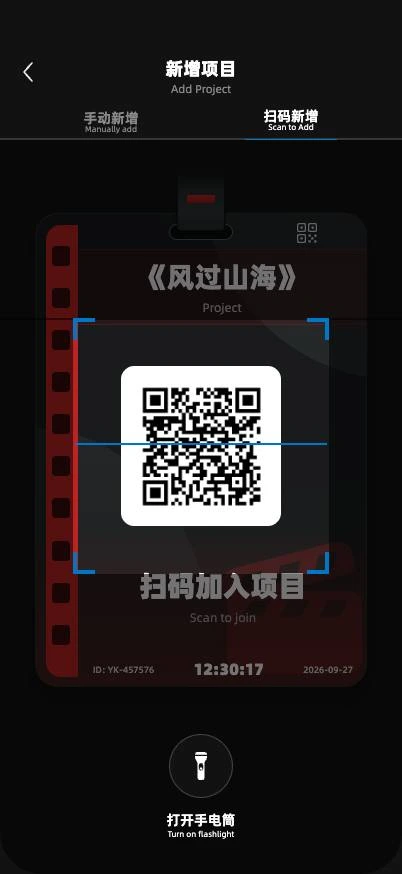
Keep connection in view
Connection status, latency and packet loss sit above the badge. Open project management when you need to change projects.
Personal devices.
All in view.
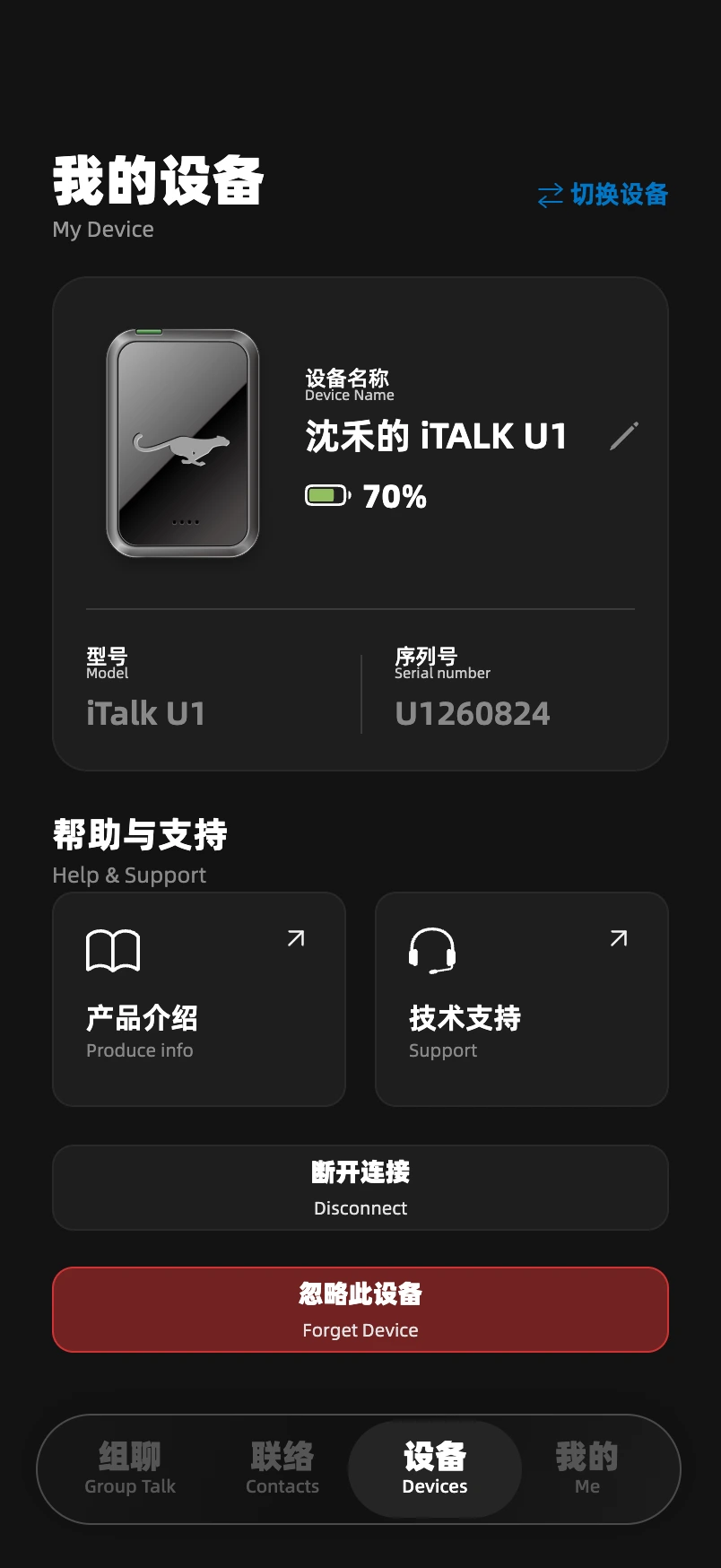
View the name, battery and model of your device, and choose an endpoint that fits your role.
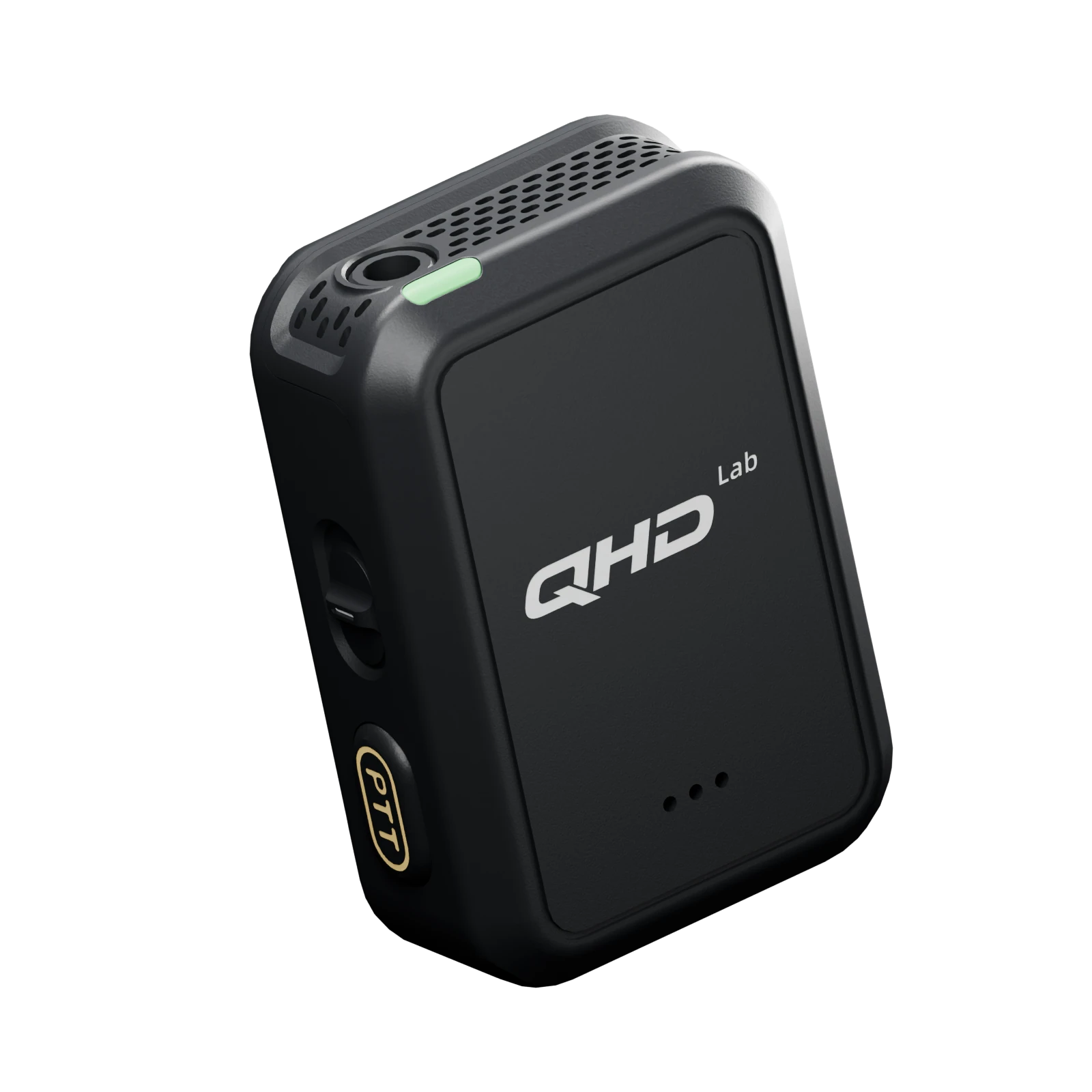
Know your device
Name, battery, model and serial number together. Rename the device to make it yours.
Choose what connects
Saved and newly found devices appear in separate lists. Choose the one you want to connect.
One system.
The whole crew.
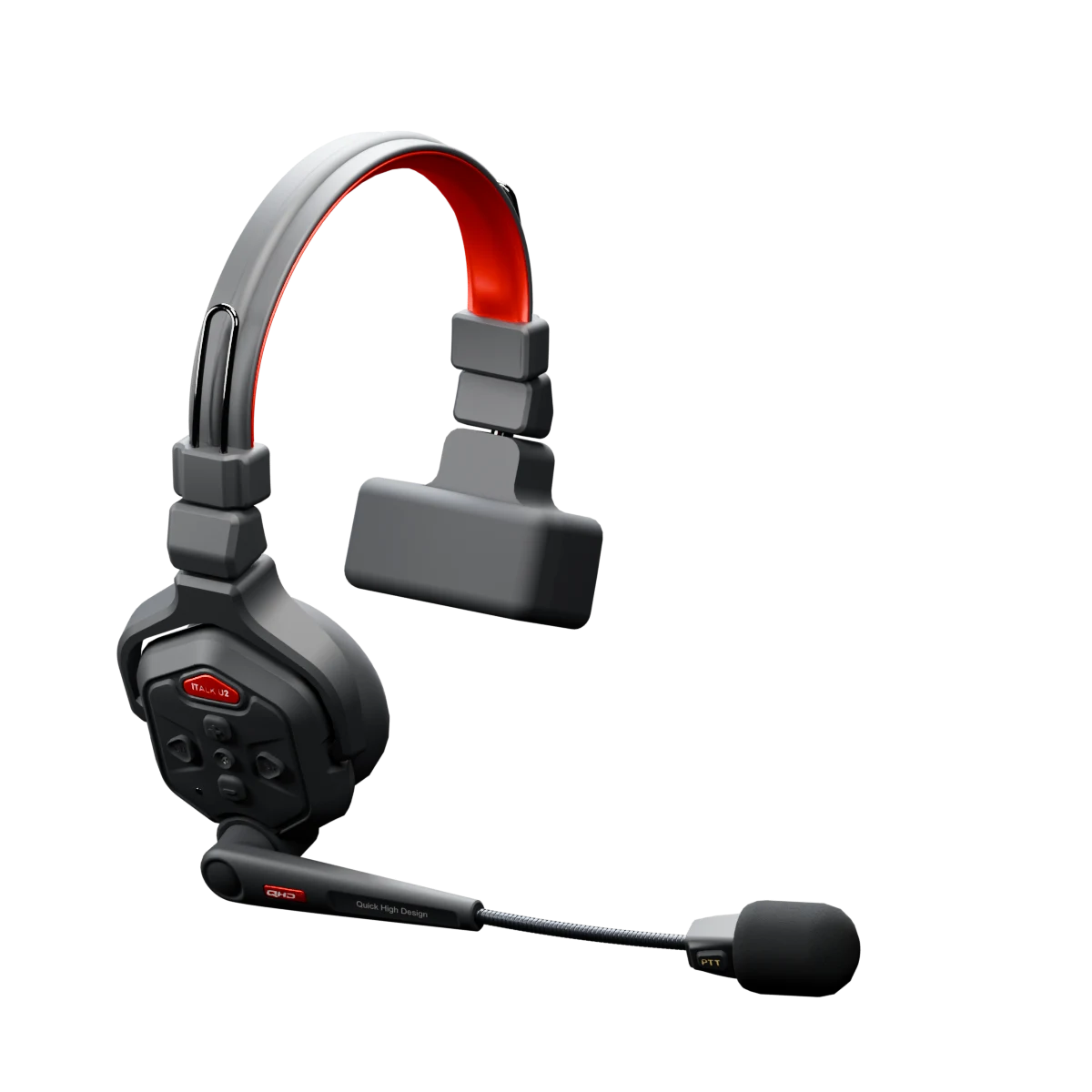
Choose one communications center for your production. The iTALK App joins the system, while U1 connects to your phone as a Bluetooth PTT companion.
Host your communications
A free macOS / Linux server for project members and communication.
Explore the centerDeploy either iTALK Server or A1.
Bring the crew
together
All features are free forever on Android and iOS. Get started with system setup, project access and everyday controls.
Read the guide