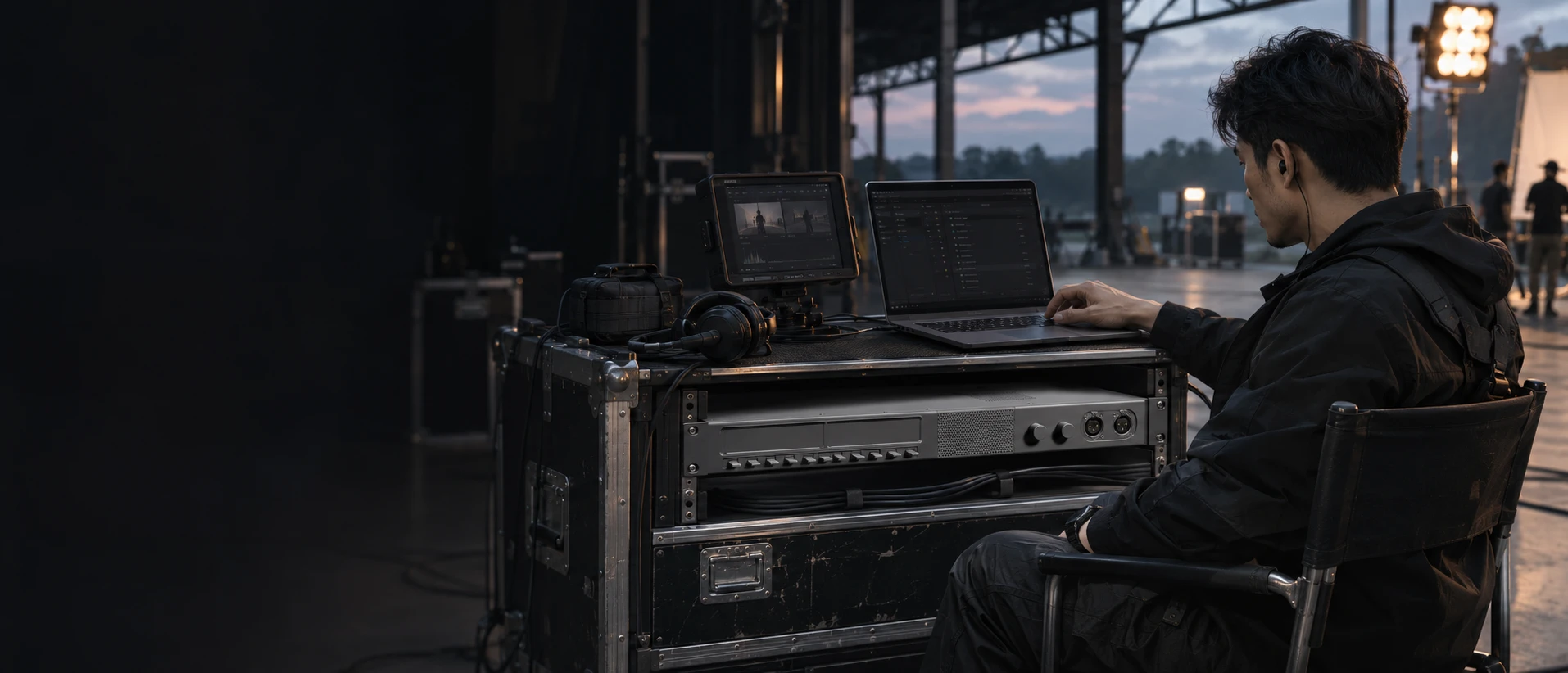
Your crew.
Your server.
iTALK Server connects your crew. Run it on macOS, Linux or inside A1, and manage communications through the same web console.
Explore iTALK ServermacOS · Linux · iTALK A1The same Server.
Your choice of host.
Install it on a macOS / Linux host, or run it inside A1. iTALK App depends on the running server, and every network request passes through it. The browser is your shared management interface.
macOS. Install Server.
Deploy communications on your own host, then configure the running service in a browser.
The server carries communications
Member access, call requests and audio distribution come together on the server. Keep it running throughout the production.
The console opens in your browser
Whichever host you choose, manage projects, members, devices and service configuration in the same console.
Plan the network for your production
Make the server address and service ports reachable by Apps and devices. Configure access to suit the network when connecting across sites.
Find the team.
Find the person.
Organize the production by talk group. Project hub, set command, image capture and technical support keep communication aligned with responsibilities.
Select a talk group above, then find members by name, nickname or role.
User management · Groups and searchOne person.
The right access.
Select a member to open their details on the right. Manage the default group, department administration, App mode and encoder quality together.
Authorize broadcast and PTT lock separately, with dedicated account and profile tabs.
Member card · Intercom and permissionsEach production.
Its own project.
Switch productions and maintain the project name, director and description. Current and other projects stay distinct, so the crew knows where it is connected.
One project runs at a time.
Project management · Projects and informationCommunication.
In the workflow.
Recording, iTAKE connection and runtime status sit together in project settings. Keep talking to the crew while monitoring and reviewing footage.
View the last start time and uptime. Each iPad uses its own iTALK account.
Project settings · iTAKE and runtimeYour service.
Your network.
Configure the streaming service IPv4, IPv6 and port in the web console. The service runs on your host or A1; the browser provides configuration and management.
Confirm that the service is running and its address and ports are reachable before connecting Apps and devices.
System settings · Service configurationConnections.
And the sound.
Inspect network connection, RTT and packet loss, then check RX / TX on 4W, PTT and IP streams. Network and audio status each have their own view.
Readouts are example data showing how status is presented.
Devices and IP streams · Connection and audioFrom the device.
To each account.
Manage device identity and account configuration separately. Switch between its accounts to set the nickname, talk group and encoder quality.
Hardware connections and IP audio streams come together in the same iTALK Server.
Device accounts · Talk group and encodingBefore you
deploy.
How are Server and A1 related?
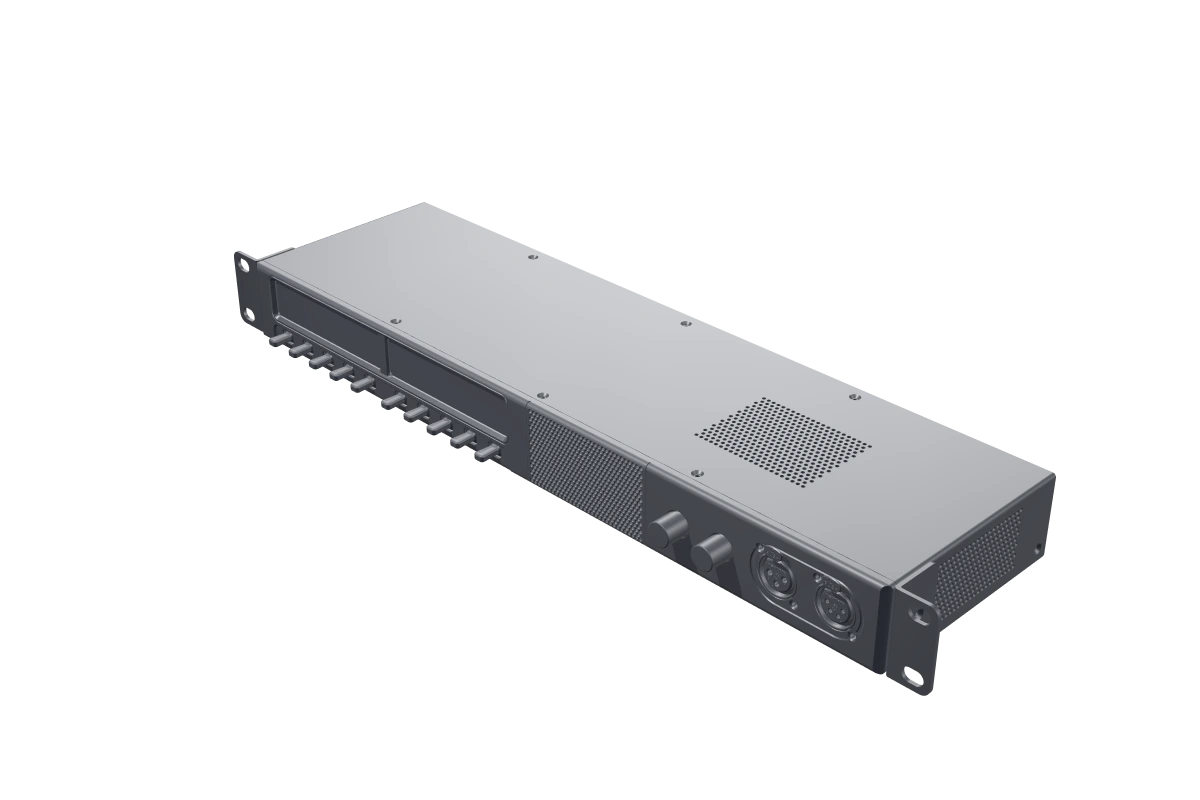
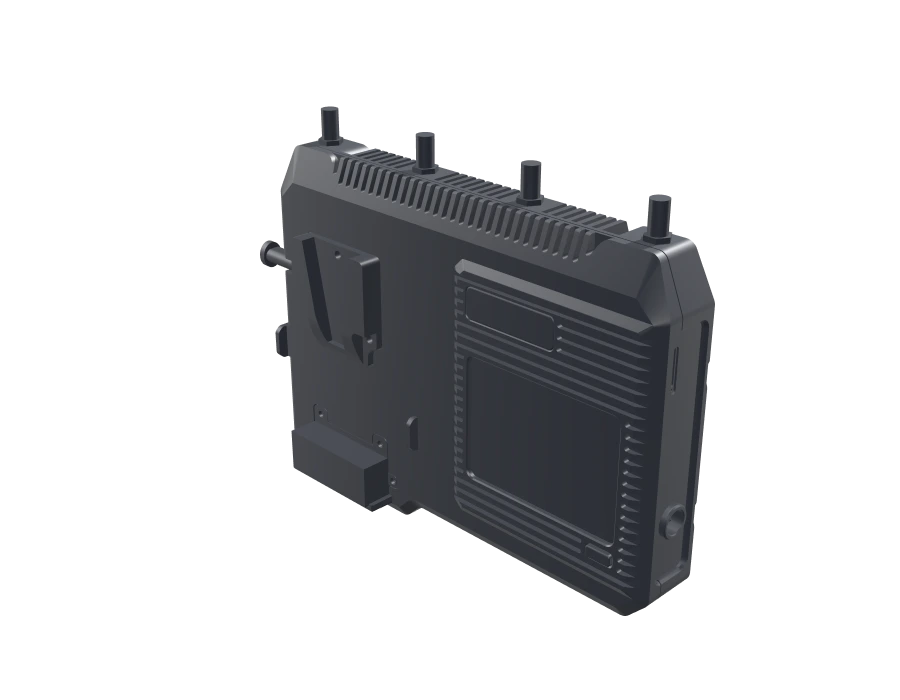
iTALK Server is the communications server software. A1 runs this same Server internally and uses the same web console. You can also install Server on macOS or Linux and choose the deployment that fits your production.
Does opening the console start the service?
The browser is the management interface. The service runs on the host or inside A1. Keep the service running and reachable throughout communications.
Can the App work without the server?
No. iTALK App functions depend on the running server. All network requests pass through the connected iTALK server.
How do clients reach a private deployment?
Deploy and start the service, configure the project and network, then connect the App. Across networks, the server address and relevant service ports must be reachable from the client network.
Your next production.
Connected.
Choose your own host or A1 with Server built in. Prepare the network and project, then bring the crew in through iTALK App.
Support & guidesMeet iTALK App